Pick your distractions.
Block distracting apps and websites. With Pro, you can also allow only the apps you need during focused time.
 Block It!
A LITTLE PAUSE. A BIG DIFFERENCE.
Less scrolling. More you.
Create a little space between the urge to scroll and what you choose next.
Made for iPhone & iPad · iOS 26+
MAKE SPACE FOR WHAT MATTERS
Block distracting apps and websites. With Pro, you can also allow only the apps you need during focused time.
Start a timer, set a schedule, or give yourself a daily limit.
Choose a quick break, a calm pause, a little movement—or no breaks at all.
YOUR KIND OF BREAK
Sometimes you need a breather. Sometimes you need to move. Decide how you want to come back to your apps.
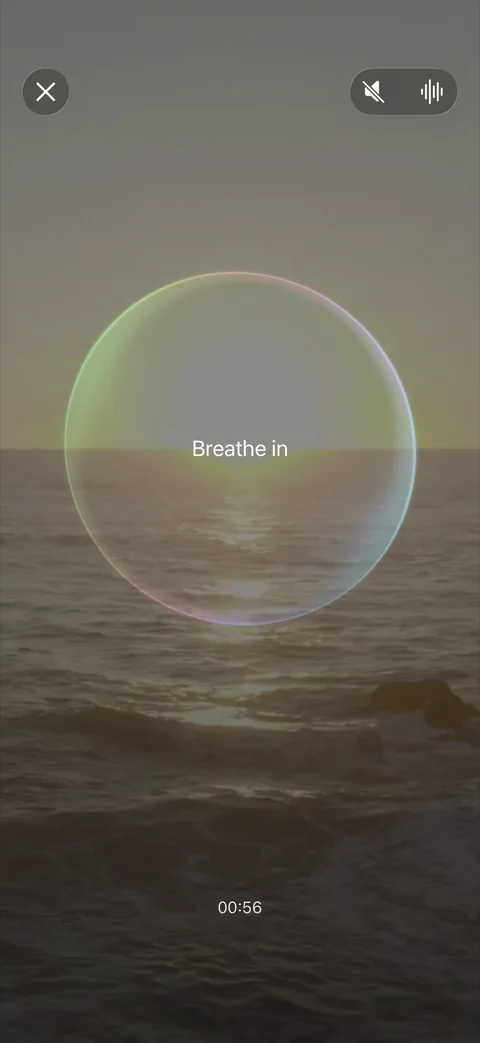
CALM BREAK
Choose a quiet cooldown or guided breathing before a temporary unlock. Create a little space to decide what comes next.
MOVEMENT BREAK
Complete pushups or squats before a temporary unlock. Turn an automatic tap into an intentional action.
Choose a short break when you need access, then return to your routine.
Keep apps blocked for the session, without a temporary break option.
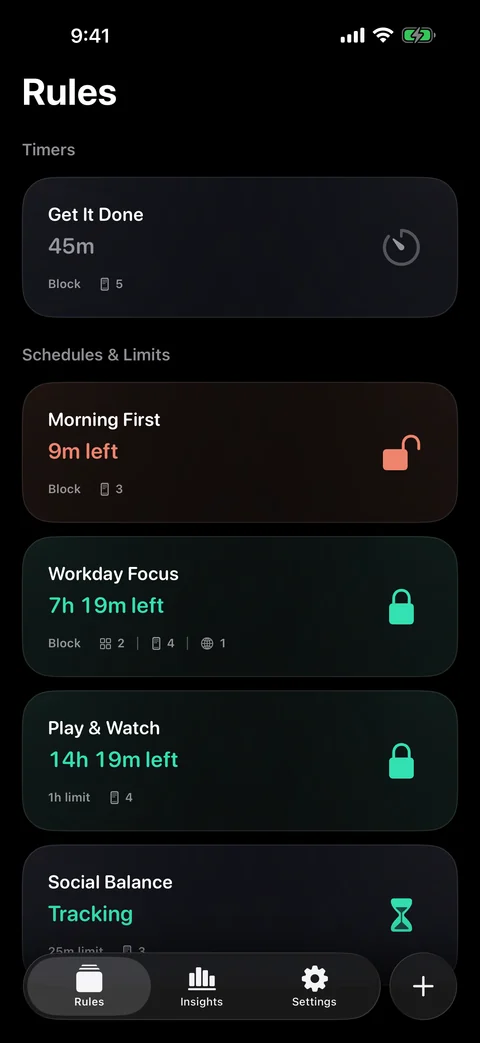
Your time. Your rules.
BUILT AROUND YOUR DAY
A focused morning. A quieter evening. A little less social media in between. There’s a rule for that.
Make room for one thing, right now.
Protect the same time, day after day.
Give distracting apps a daily boundary.
A MOMENT TO REFLECT
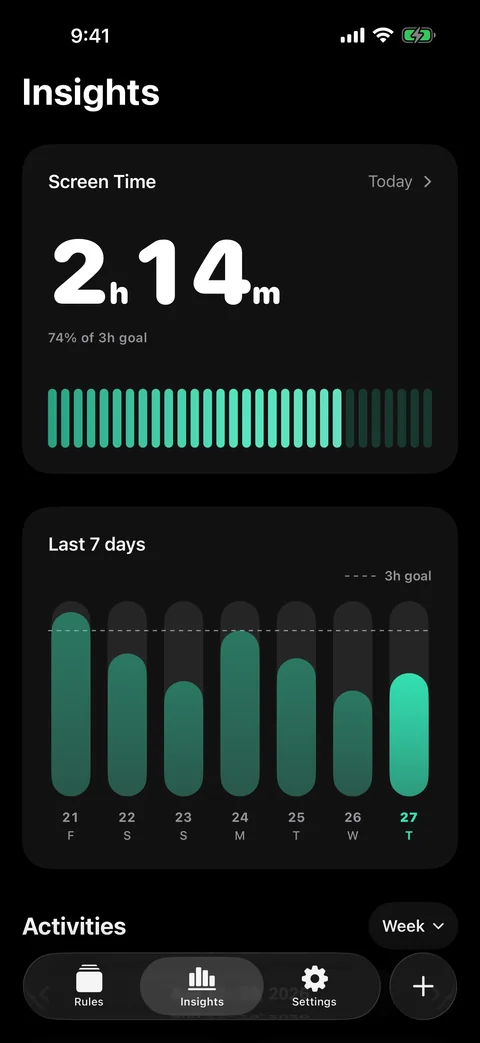
Review your Screen Time and the breathing, cooldowns, and movement you complete before unlocking apps.
See today’s Screen Time alongside your daily goal.
Explore daily, weekly, and monthly Screen Time reports. Browse available past periods with Pro.
Explore breathing and cooldown time, pushups, and squats by week, month, or year.
A FEW THINGS TO KNOW
Block It! uses Apple’s Screen Time features to block the apps and websites you select. You grant Screen Time permission during setup, then choose when your rules apply.
Only if you choose a Movement Break. You can choose Quick Break, Calm Break, Movement Break, or No Breaks for a rule. Pick the option that fits your day.
Enable Cooldown, Breathing, or both for a rule. Complete one enabled action before a temporary unlock. Guided breathing sessions can last one, two, or three minutes; camera and microphone access are not needed.
Yes. Choose apps to exclude in Screen Time settings. They are left out of Block It!’s totals and charts, including past reports. This does not change Apple’s Screen Time totals, your blocking rules, or Daily Limits.
Some features require a Pro subscription, including allowing only selected apps during focused time and browsing available past Screen Time reporting periods. The app shows paid features and subscription details before you buy.
Block It! is designed for iPhone and iPad running iOS 26 or iPadOS 26 and later.
Your rules, selected apps, and active blocking state stay on each device. Completed actions can sync through your private iCloud account when available.
Email support@tingogo.com with your question. We’re here to help you get started.
support@tingogo.comA LITTLE LESS SCREEN. A LITTLE MORE LIFE.
With Block It!, make room for what matters.